
Eden Calculator PRO
This calculator helps you plan territory expansion, resource production, and honor upgrades in Eden. All calculations update instantly as you change inputs.
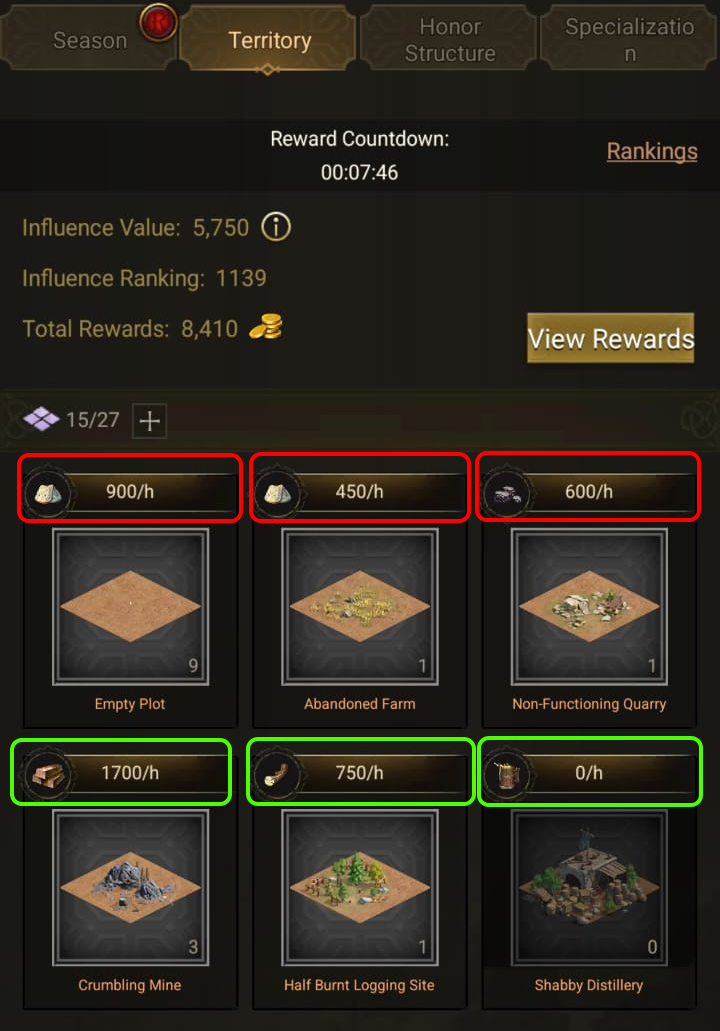
Territory — Set your resource production rates per hour for Military Supplies and Construction Materials.
Guild — Calculate how many tilers your guild needs to reach a target level. Simulate team strategies for first week.
Loyalty Planner — Manage Coalition Camps levels and Construction Specialization to calculate your current loyalty and plan upgrades to reach new tile levels.
Honor Structure — Track upgrade costs for Frontline Workshop and Fortresses. See processed materials, upgrade gaps, and time requirements.
Workshop Planner — Configure your Frontline Workshops, slots, and bonuses to calculate production speed and compare with territory output.
| Lv | Guild Exp | Influence | Honor | Production | 97% | 0% |
|---|---|---|---|---|---|---|
| 3 | 21 | 200 | 5,620 | 400 | 0 | 0 |
| 4 | 32 | 400 | 6,430 | 450 | 0 | 200 |
| 5 | 45 | 600 | 7,240 | 600 | 400 | 600 |
| 6 | 60 | 900 | 8,050 | 650 | 400 | 1,000 |
| 7 | 77 | 1,400 | 8,859 | 700 | 600 | 1,400 |
| 8 | 96 | 2,100 | 9,669 | 750 | 900 | 1,800 |
| 9 | 117 | 3,100 | 10,479 | 900 | 1,800 | 2,700 |
| 10 | 140 | 4,600 | 11,289 | 950 | 2,500 | 3,300 |
| 11 | 165 | 6,900 | 12,100 | 1,000 | 2,800 | 3,900 |
| 12 | 192 | 11,000 | 12,912 | 1,200 | 3,700 | 4,800 |
| 13 | 221 | 16,000 | 13,720 | 1,250 | 4,500 | 5,600 |
| 14 | 252 | 24,000 | 14,530 | 1,300 | 5,100 | 6,400 |
| 15 | 285 | 35,000 | 15,340 | 1,350 | 5,900 | 7,200 |
| 16 | 320 | 52,000 | 16,200 | 1,600 | 6,700 | 8,000 |
| Lv | Guild Exp | Influence | Honor | Production | 97% | 0% |
|---|---|---|---|---|---|---|
| 1 | 300 | 5 | 50 | 100 | 0 | 0 |
| 5 | 3,100 | 5 | 100 | 300 | 400 | 600 |
| 9 | 17,799 | 400 | 3,270 | 450 | 1,800 | 2,700 |
| 12 | 31,000 | 600 | 5,920 | 600 | 3,700 | 4,800 |
Resources (Simple Mode)

 /hr
/hr
 /hr
/hr

 /hr
/hr
 /hr
/hr

 /hr
/hr
 /hr
/hr
Guild Level Calculator
Calculate how many tilers your guild needs to reach a target level. Useful for planning first week strategies.
Tiler Requirement Calculator
Calculate how many tilers of each level are needed to get the required EXP.
Team Simulator
Simulate how much EXP your team can generate. Example: 100 players each capturing tilers.
Multi-Level Simulation
Add multiple scenarios to calculate combined EXP.
| Lv | EXP to Next | Members | Cumulative EXP |
|---|

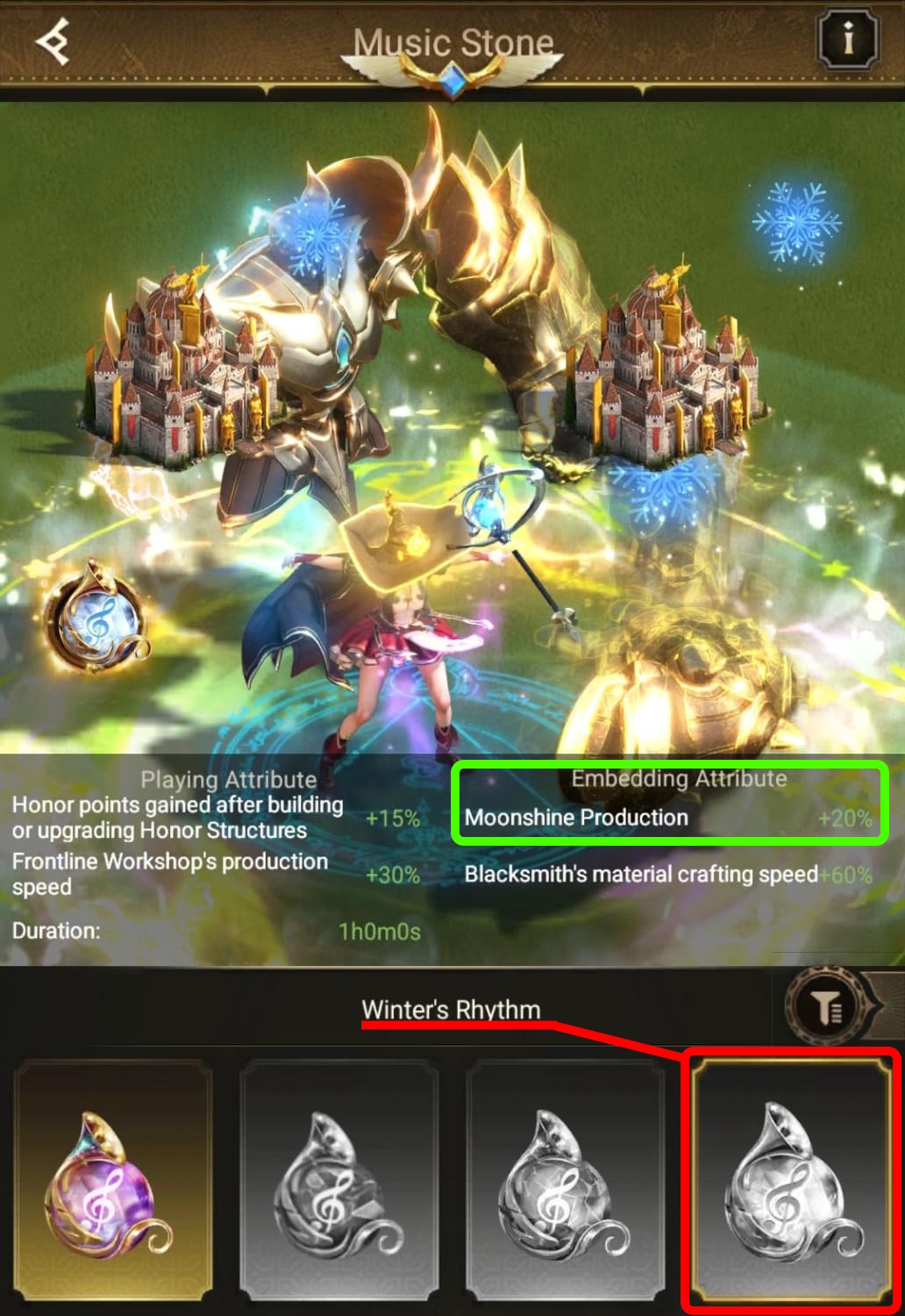

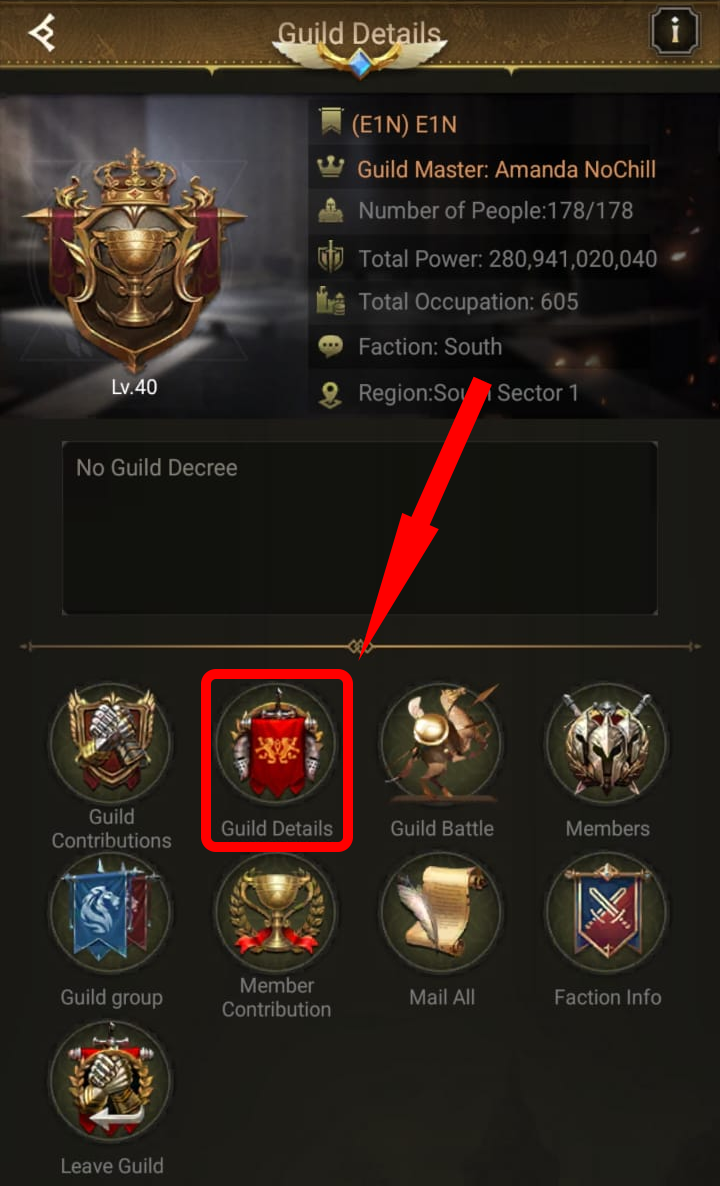
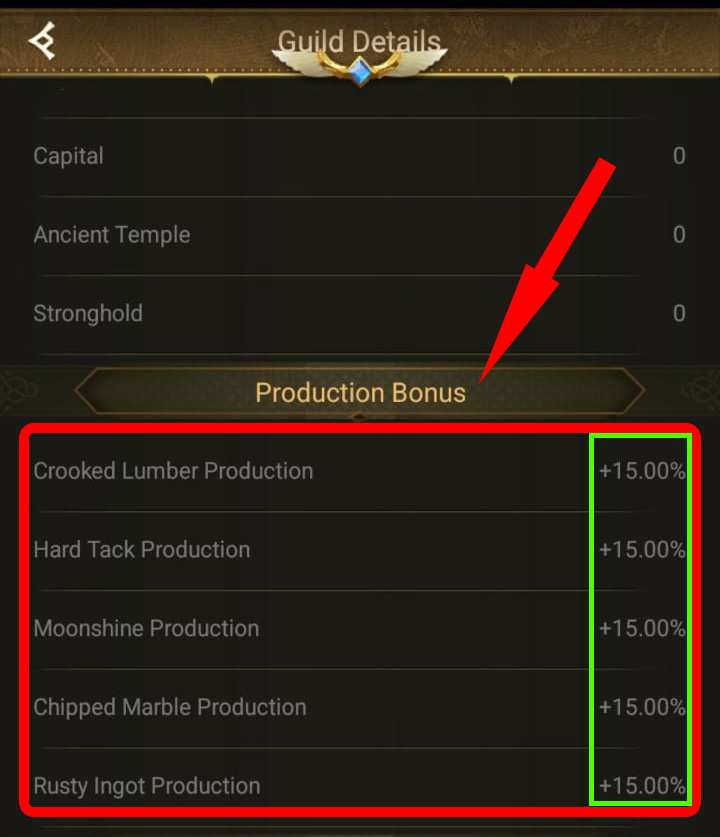
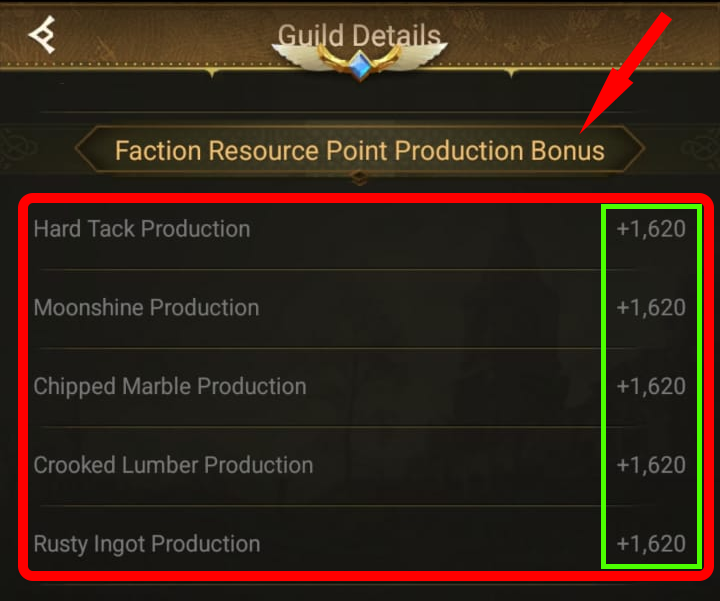

 Frontline Workshop Levels
Processing Speed Bonuses
Processing Slots
Slot Capacity Bonuses
📦 Slot Assignment
Click on a slot to assign a resource from your inventory. Resources will be deducted from inventory.
📦 Materials Output

📦 Processed Materials Inventory
Enter your current stockpile of processed materials. Used for upgrade planning.
📊 Production Summary
Territory vs Workshop
📋 Daily Report
Summary of your production capacity and upgrade potential based on current configuration.
📦 Resource Production
⚙️ Workshop Processing
🏰 Current Status
🎯 Upgrade Potential (End of Day)
Based on current production, what you can upgrade by end of day:
Coalition Camps

| # | Coalition Camp | Upgrade to | Material Cost | Time |
|---|
Processed Materials
Processed Military Supplies
Processed Construction Materials
Upgrade Gap
Structures
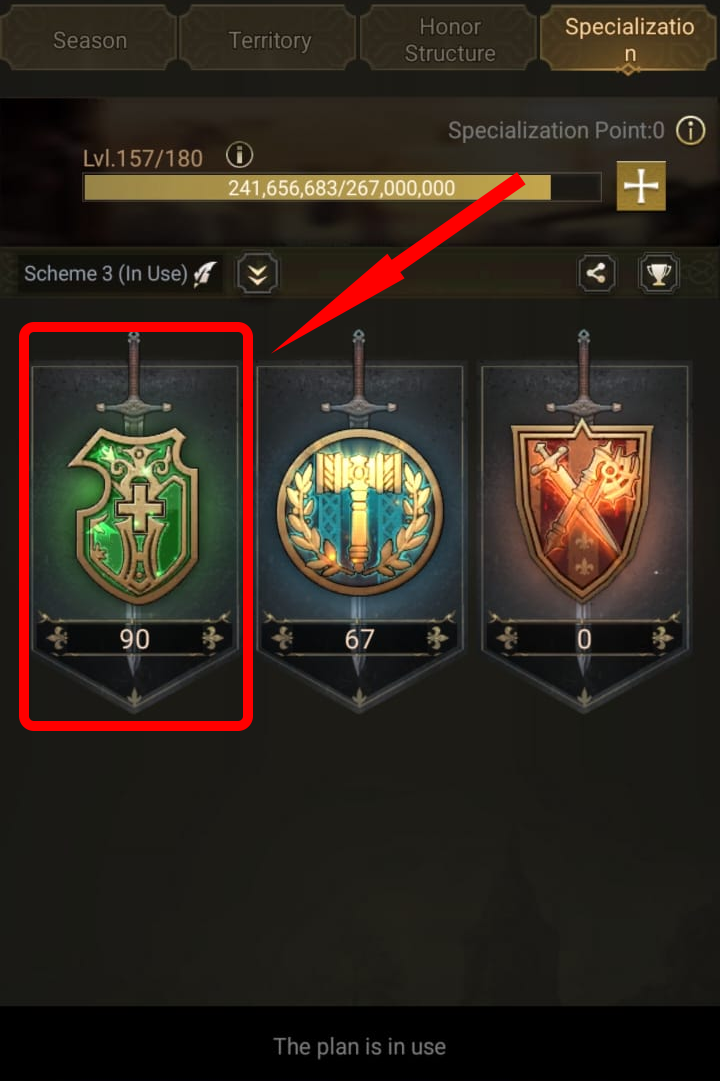
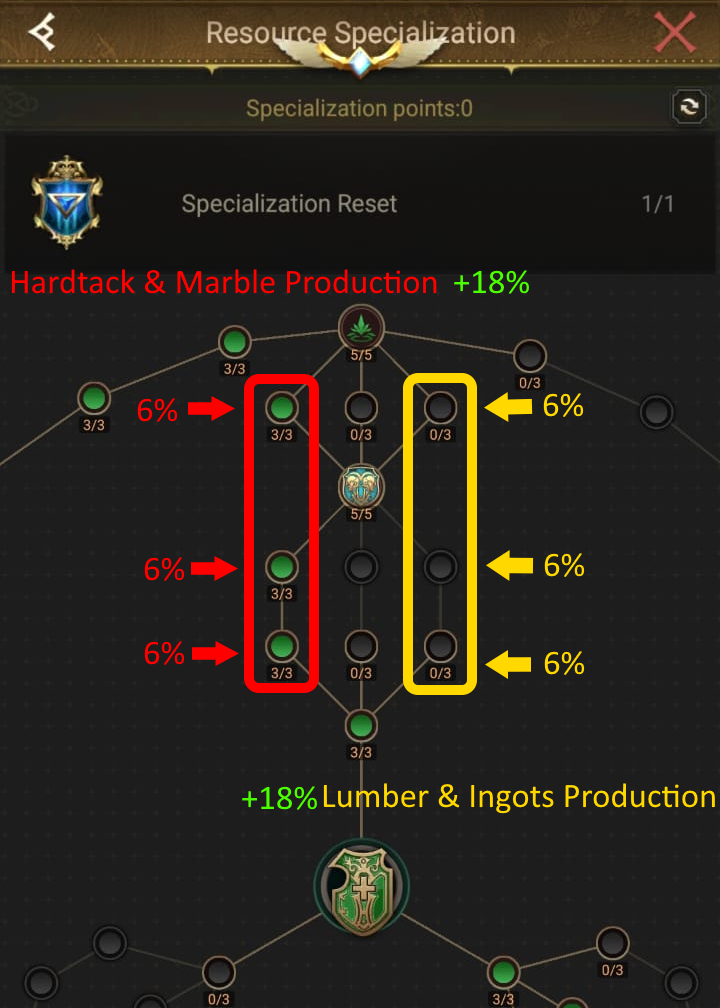
Eden Specialization Planner
Plan your Resource, Construction, and Combat specialization trees with our interactive tool.
Open Specialization Planner →